

Wispr Flow ran into a familiar AI product problem: people installed it, tried it, and left.
The problem was not simply recognition quality. According to TechCrunch, the team discovered that many nontechnical users spoke one sentence inside Flow’s own surface and never realized the product could keep working inside Messages, Mail, Slack, and chatbots. The company changed onboarding so that new users would leave the product surface and say their first sentence inside an app they already used every day.
That detail is more interesting than another model benchmark. Wispr Flow is not trying to become a voice-notes destination. On the iPhone, its more ambitious shape is a third-party keyboard that places voice input inside ordinary text boxes. It wants to own the moment when a person would otherwise start typing.
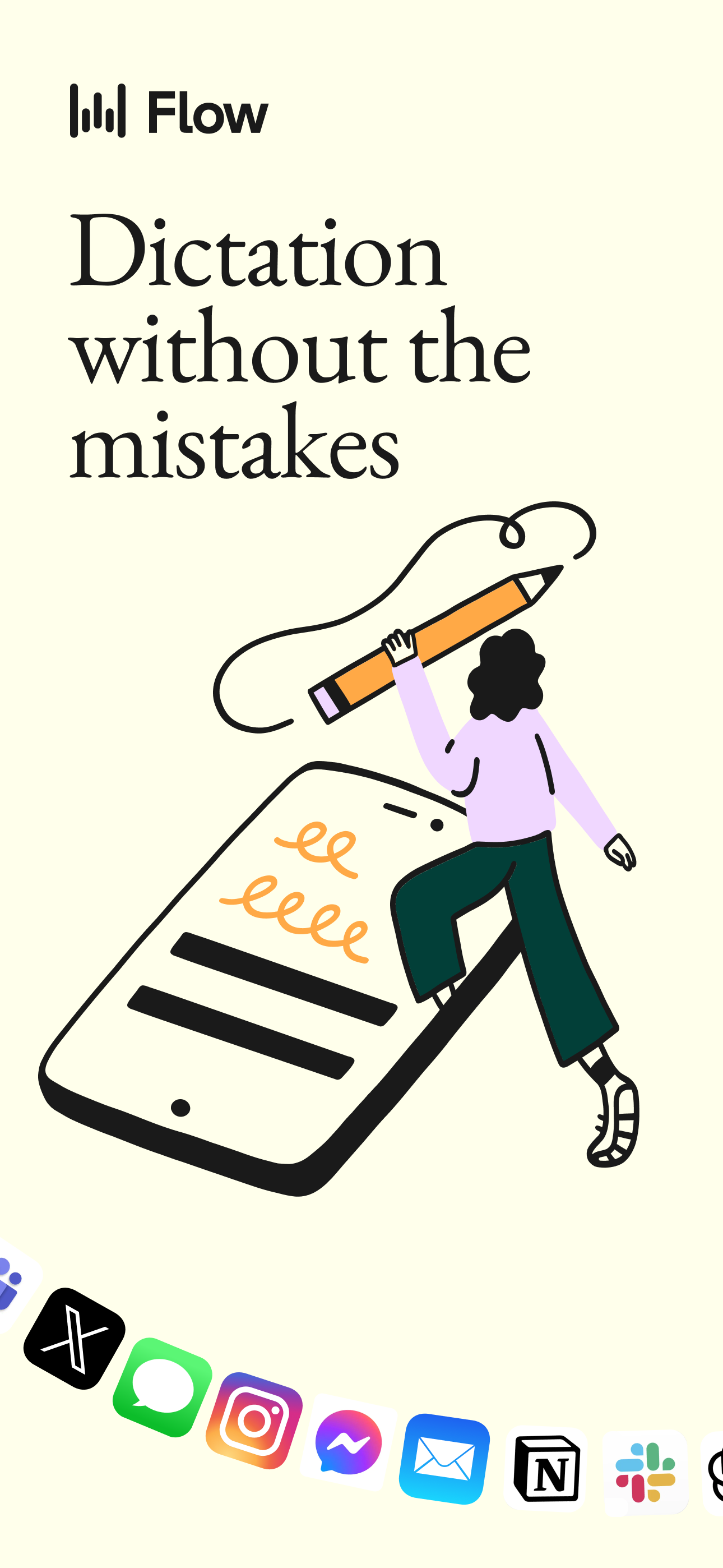
On iOS, Flow works through the keyboard layer. A user installs the app, adds the keyboard in system settings, grants full access, returns to an existing app, and switches keyboards with the globe key. Wispr’s own setup documentation names common destinations such as Messages, Mail, and Slack. The point is not to create a new place for writing. The point is to make speaking available where writing already happens.
That difference separates two businesses. A standalone recorder sells transcription. A keyboard tries to replace a repeated input habit.
The Product Is The Old Text Box
Voice dictation has existed for decades, but most voice products have lived slightly outside the action. A user opens a recorder, speaks, waits for text, edits it, copies it, and pastes it somewhere else. That can be useful for long notes, but it is a poor fit for daily communication. Every extra destination creates a small chance to abandon the workflow.
Wispr Flow moves in the opposite direction. It accepts that the important interface already exists. The user is already in a thread, email composer, document, customer reply, or AI chat box. The product only needs to change the input method inside that context.
That is a powerful product choice because the value is not just faster words per minute. It is fewer decisions. The user does not have to ask whether this message is worth opening a dictation app. The text box is already there. Flow can capture spoken fragments, remove filler words, handle pauses, respect names and abbreviations, and place the cleaned result back into the same field. The user remains in the original task.
Consumer AI products often try to win by building a more charismatic destination. Flow is betting on a less glamorous but more durable layer: the place where the user already expresses intent. If the product can become the default way to answer a long message, write a work email, or give an AI assistant more context, it does not need users to remember another app icon.
This is also why the onboarding change matters. The first successful moment cannot be “the product understood my voice on its own page.” It has to be “the product helped me reply here.” Once a user experiences that inside a familiar app, the product stops being a demo and starts becoming muscle memory.
The Subscription Follows A Daily Input Habit
The commercial model reflects that position. The App Store listing shows a free weekly allowance and paid Pro plans, including monthly and annual in-app purchases. Wispr’s pricing page also separates individual Pro access from team and enterprise plans, with unlimited dictation, higher limits, centralized billing, shared vocabulary, administrative controls, and security requirements moving up the stack.
That packaging is logical. A one-off voice-to-text tool has a hard time justifying recurring payment unless the user has large transcription needs. A keyboard-level assistant can attach itself to many small moments: replying to a friend, drafting a customer response, capturing a thought, filling in a prompt, summarizing an idea before it disappears, or writing a long message without thumb typing.
The subscription is not selling a single transcription. It is selling permission to make speaking the default input mode across a broad set of daily text tasks.
The growth signals reported publicly are strong, though they should be treated as company-disclosed figures rather than audited facts. In November 2025, TechCrunch reported that Wispr said user count had grown 100 times year over year, that 12-month retention was 70%, and that the product was used in 270 Fortune 500 companies. The report also said the company had recently been signing 125 enterprise customers per week. Those claims explain why Wispr raised $30 million in June 2025 and then another $25 million in November 2025.
The more useful lesson is not “voice AI is hot.” It is that recurring revenue becomes easier to defend when the product sits inside a recurring action. Text entry happens all day. If Flow can reduce enough friction in enough of those moments, the subscription is attached to behavior rather than curiosity.
Consumer Habit First, Enterprise Control Later
Wispr Flow also shows a clean route from individual adoption to organizational value.
The product does not need to begin with a long enterprise deployment. A single user can install the keyboard, try a weekly allowance, and decide whether speaking into existing apps feels better than typing. Over time, the app can learn names, acronyms, recurring phrases, and personal language patterns. That accumulated vocabulary becomes part of the switching cost.
Teams then create a second value layer. Shared terminology matters in sales, support, engineering, recruiting, healthcare operations, legal work, and any environment where internal shorthand is constant. Centralized billing and admin controls matter once many employees are using the same input tool. Security review matters because keyboard access and dictated content can be sensitive.
This sequence is more natural than starting with a broad “voice AI platform” story. First, the user personally feels the relief of not typing. Then the organization notices that many people are turning speech into work text. Only after the habit exists do shared dictionaries, compliance controls, and enterprise packaging become obvious.
There is a good general pattern here. If a product can earn its place in the personal workflow first, enterprise sales can become a way to govern existing usage rather than a way to manufacture adoption from scratch.
The Keyboard Position Has Trust Costs
The same position that makes Flow valuable also makes it sensitive.
iOS third-party keyboards require users to think about access. Wispr’s setup path includes granting full access, and dictation depends on network processing. Some custom input fields, including sensitive banking-style fields, may not support the keyboard. Numeric and phone fields can switch back to the system keyboard. For a product that wants to appear in every text box, the exceptions matter because users notice boundaries most sharply when they expected ubiquity.
This is not only a technical limitation. It is a trust contract. Users may dictate business messages, personal notes, names, customer details, or private thoughts. Wispr says it does not store audio, but that claim still has to coexist with the user’s operating-system permission model, workplace security policies, and ordinary caution around sensitive content. A company selling a keyboard has to explain data handling clearly enough that convenience does not feel like a trick.
The product also has to avoid overediting. Spoken language is messy, but personal writing has tone. If the system smooths every message into the same generic assistant voice, users may feel faster but less like themselves. The best version of the product cleans speech while preserving intent, emphasis, names, and style. That is a harder target than raw transcription accuracy.
These limits do not weaken the case. They define it. The more central an AI product becomes to daily input, the more responsibility it takes for privacy, reliability, reversibility, and user control.
The Builder Lesson
Wispr Flow’s sharpest idea is that AI does not always need to pull users into a new destination. Sometimes the better move is to disappear into the old action.
The company could have taught users to open a voice workspace. Instead, it pushed the product into the keyboard, where messages, emails, team chats, documents, and prompts already begin. That makes the first-use question concrete: can the user speak one sentence where they were already about to type?
The pattern travels. A writing assistant can live in the editor instead of a separate chat. A sales tool can live in the CRM field instead of a dashboard. A research product can live in the browser or citation workflow instead of another notebook. A customer-support assistant can live in the reply composer instead of a detached bot window.
The commercial test is simple. Find the repeated input action. Replace the most annoying part. Keep the user inside the original workflow. Then let subscription, team controls, vocabulary, history, and governance accumulate around that habit.
Wispr Flow is interesting because it makes voice AI less theatrical. It does not ask the user to go somewhere new to experience intelligence. It waits inside the text box, exactly where the next thought needs to become words.